> For the complete documentation index, see [llms.txt](https://docs.inogic.com/llms.txt). Markdown versions of documentation pages are available by appending `.md` to page URLs; this page is available as [Markdown](https://docs.inogic.com/click2clone/configuration/automation/run-workflow-automatically/set-up-template.md).
# Set up template
To set up Click2Clone template, follow the steps given below:
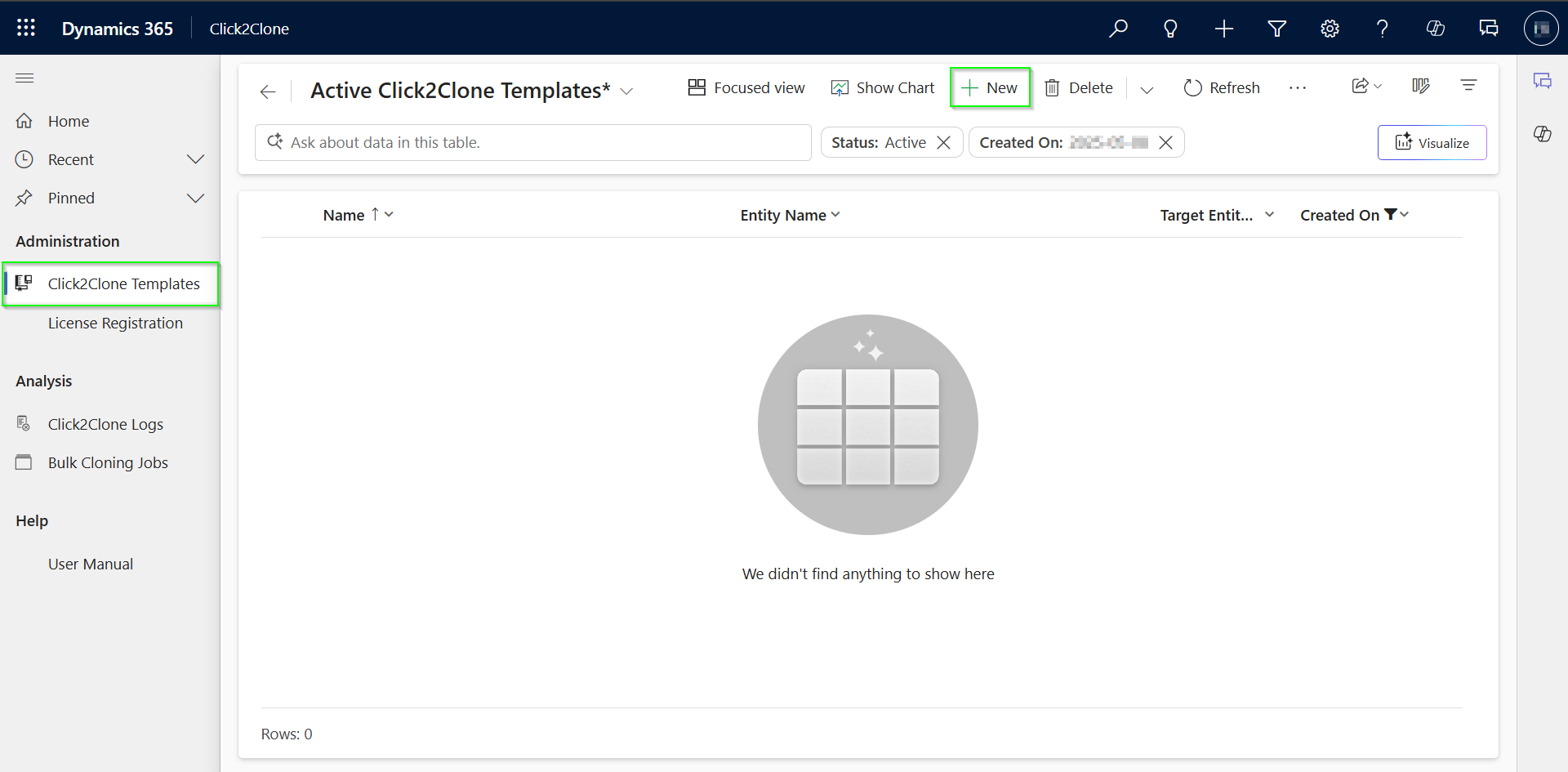
* Navigate to **Click2Clone Templates** --> Click on **New**.
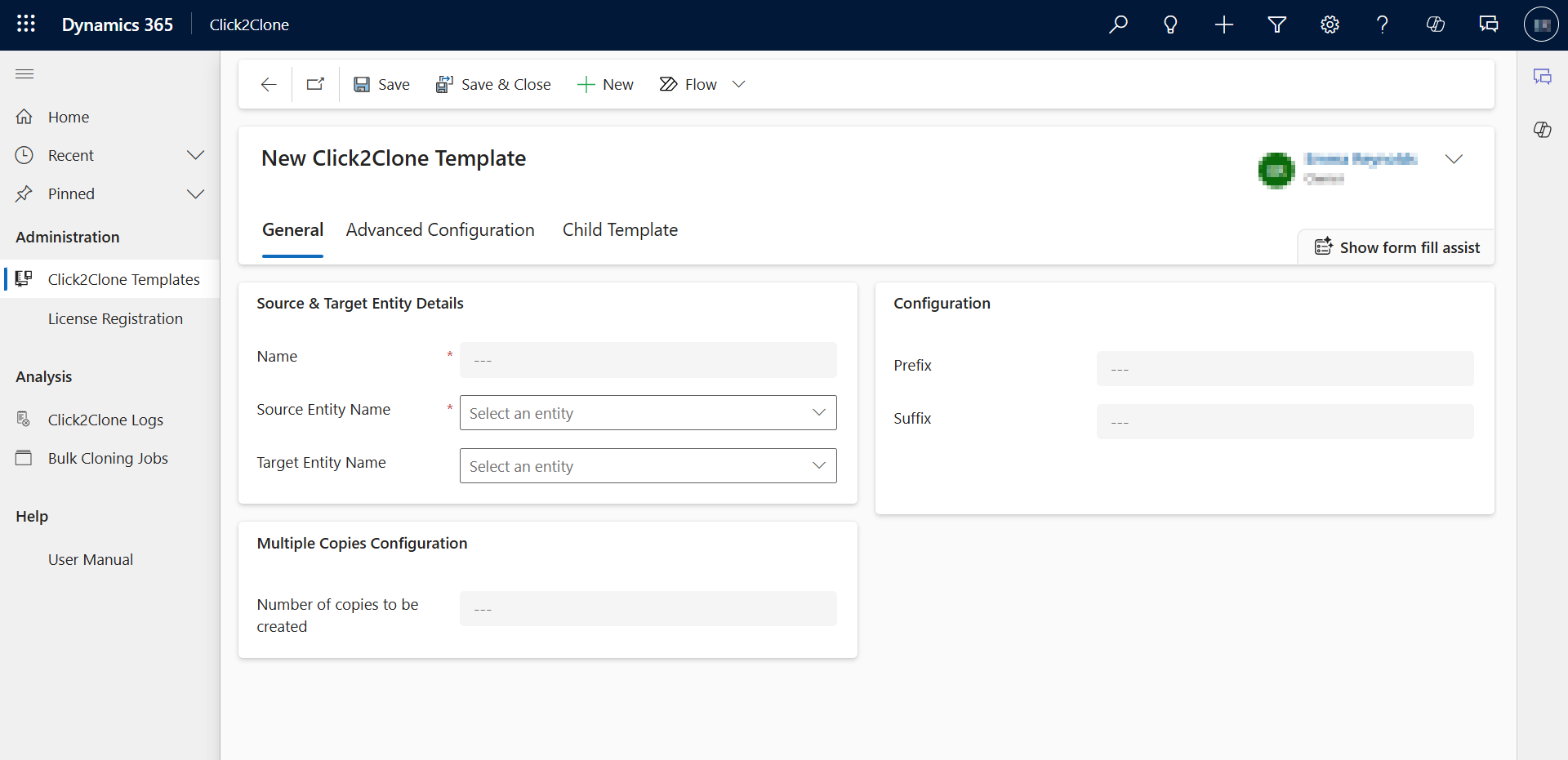
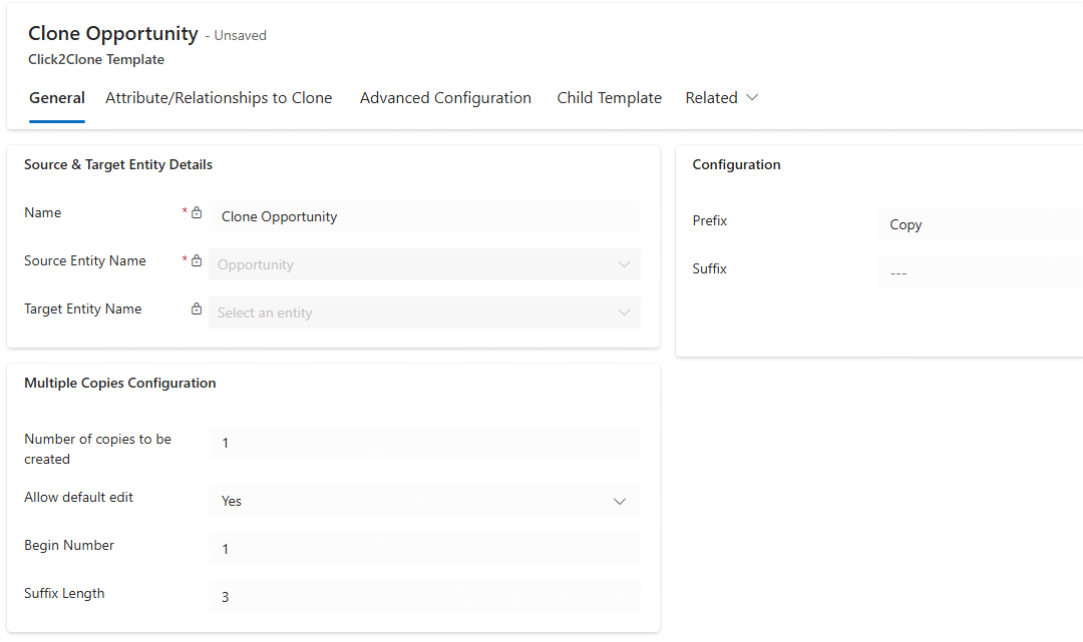
* Fill all the mandatory fields --> Click on **Save.**
{% hint style="success" %}
For further queries, reach out to us at
{% endhint %}