> For the complete documentation index, see [llms.txt](https://docs.inogic.com/llms.txt). Markdown versions of documentation pages are available by appending `.md` to page URLs; this page is available as [Markdown](https://docs.inogic.com/deduped/prerequisite.md).
# Prerequisite
After installing the app, it's essential to verify the publication status of Ribbon metadata changes. To do so, follow the steps outlined below:
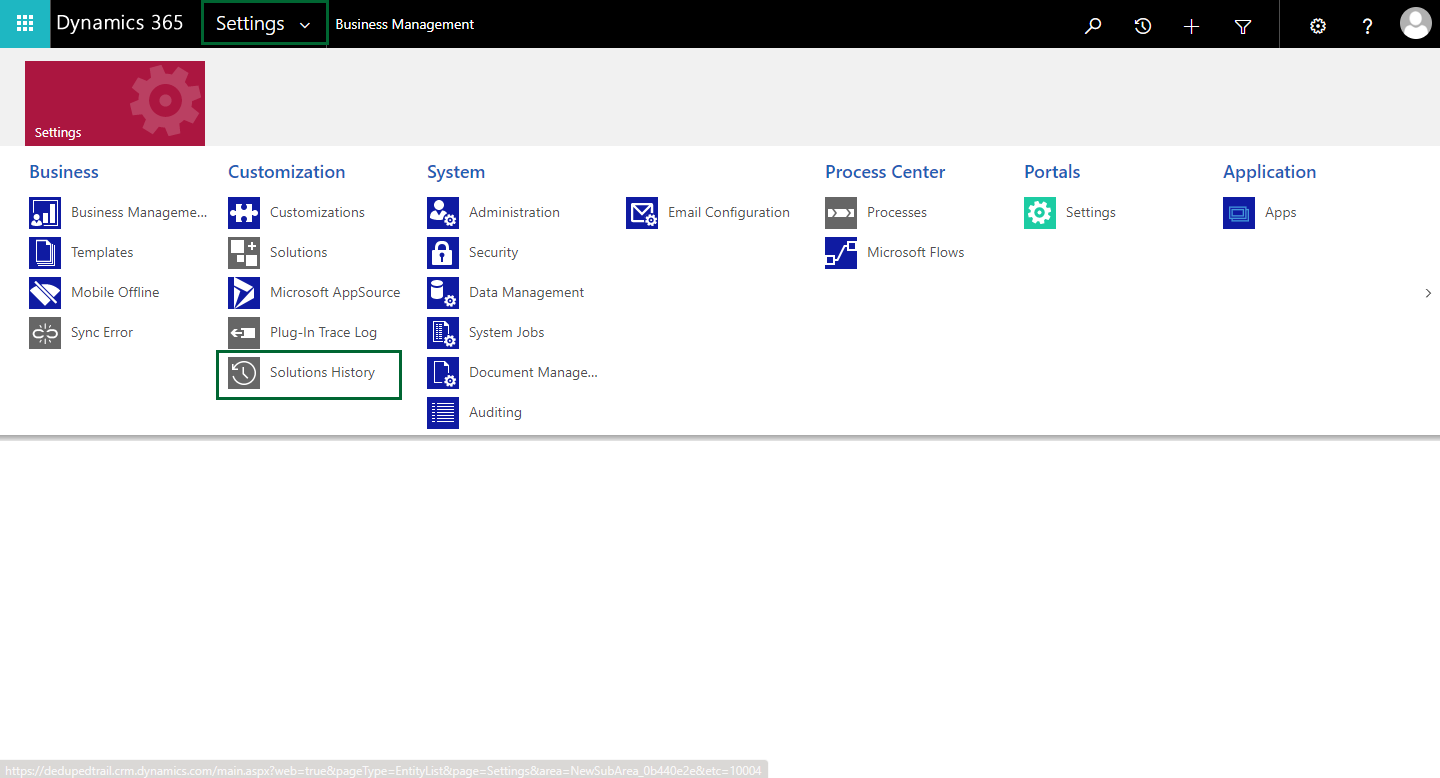
* Navigate to **‘Settings’** and click on **‘Solutions History’.**
* Select **“Ribbon Metadata Generation Operations”** views.
* For the Ribbon Metadata changes to be published. The status of all the **“Ribbon Metadata Generation Operations”** should be completed.