> For the complete documentation index, see [llms.txt](https://docs.inogic.com/llms.txt). Markdown versions of documentation pages are available by appending `.md` to page URLs; this page is available as [Markdown](https://docs.inogic.com/next-best-action/getting-started/license-activation.md).
# License Activation
The first and foremost step after installing the solution is License Activation.
Here are the steps to activate the Next Best Action license.\
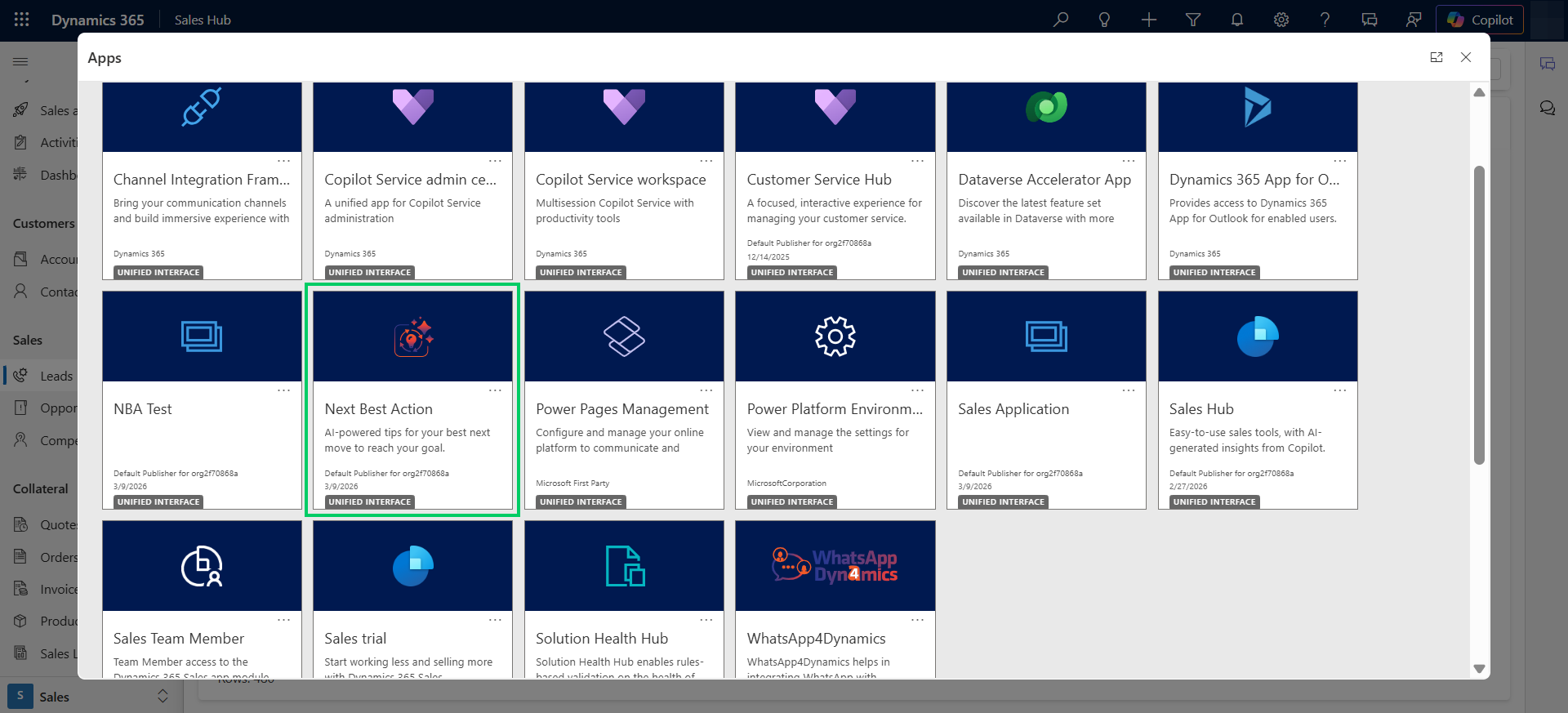
* Navigate to Dynamics 365 --> **Next Best Action** app.
* Go to **License Configuration.**
* Enter the Details: First Name, Last Name, Company Name, Email, Website and Main Phone -> Click on **ACTIVATE**.
* If you want to purchase or extend the trial, click on **SEND REQUEST** --> Enter all details --> Click again on **SEND REQUEST** and send the email to Inogic.
### **Alternate method to complete License Activation**
Here are the steps to complete registration through the ‘License Registration using (.lic) file’ section.
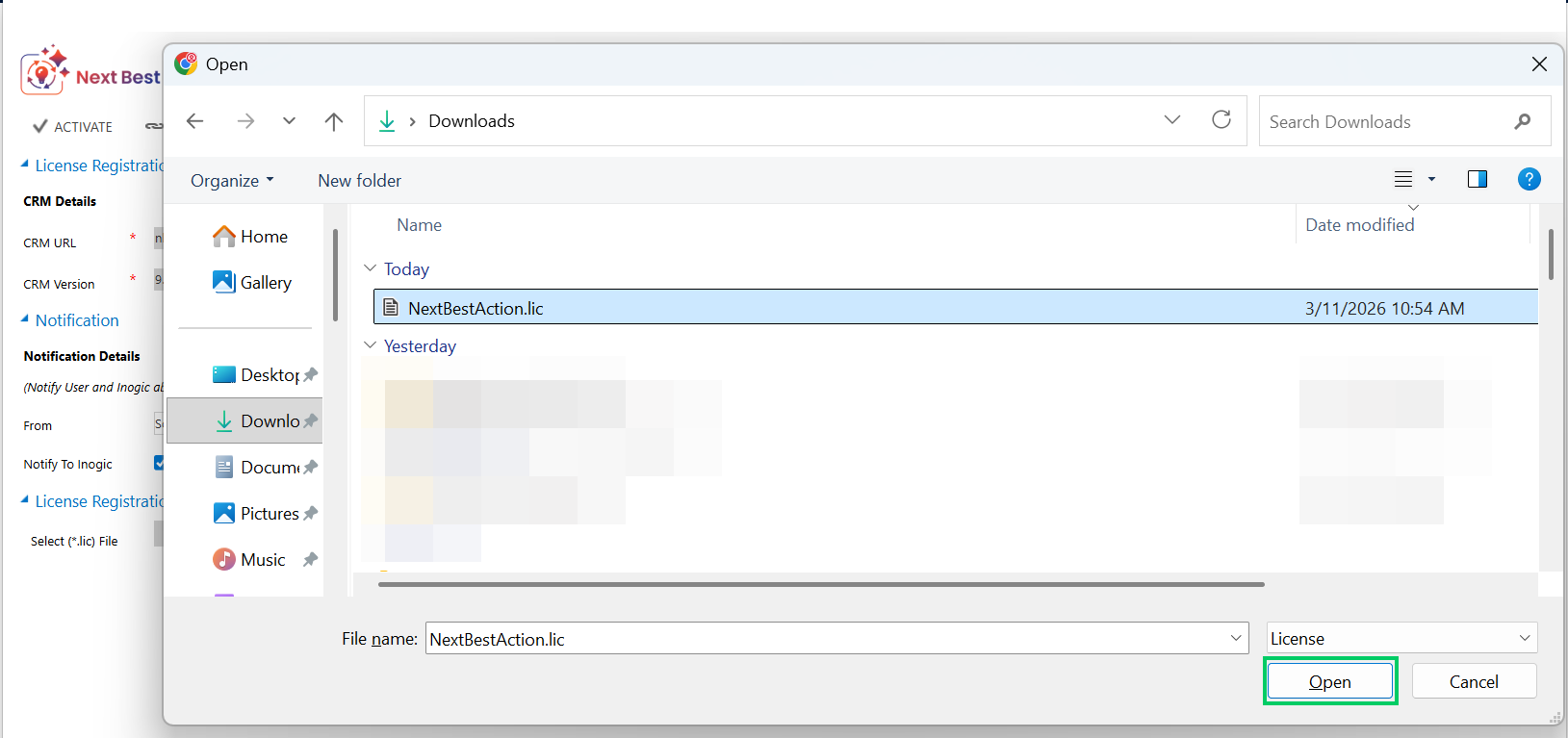
* Request.lic file from Inogic --> Save file --> Go to Next Best Action --> **License Registration** --> Click **Choose File** to locate the file with the extension.lic.
* Select the file --> Click **Open**.
* Click on **Register** to complete the License Registration.