> For the complete documentation index, see [llms.txt](https://docs.inogic.com/llms.txt). Markdown versions of documentation pages are available by appending `.md` to page URLs; this page is available as [Markdown](https://docs.inogic.com/whatsapp4dynamics/features/restrict-chat-with-unknown-number.md).
# Restrict Chat with Unknown Number
This feature allows you to manage communication strictly through verified contacts by limiting interactions with mobile numbers that are not saved in Microsoft Dynamics 365.
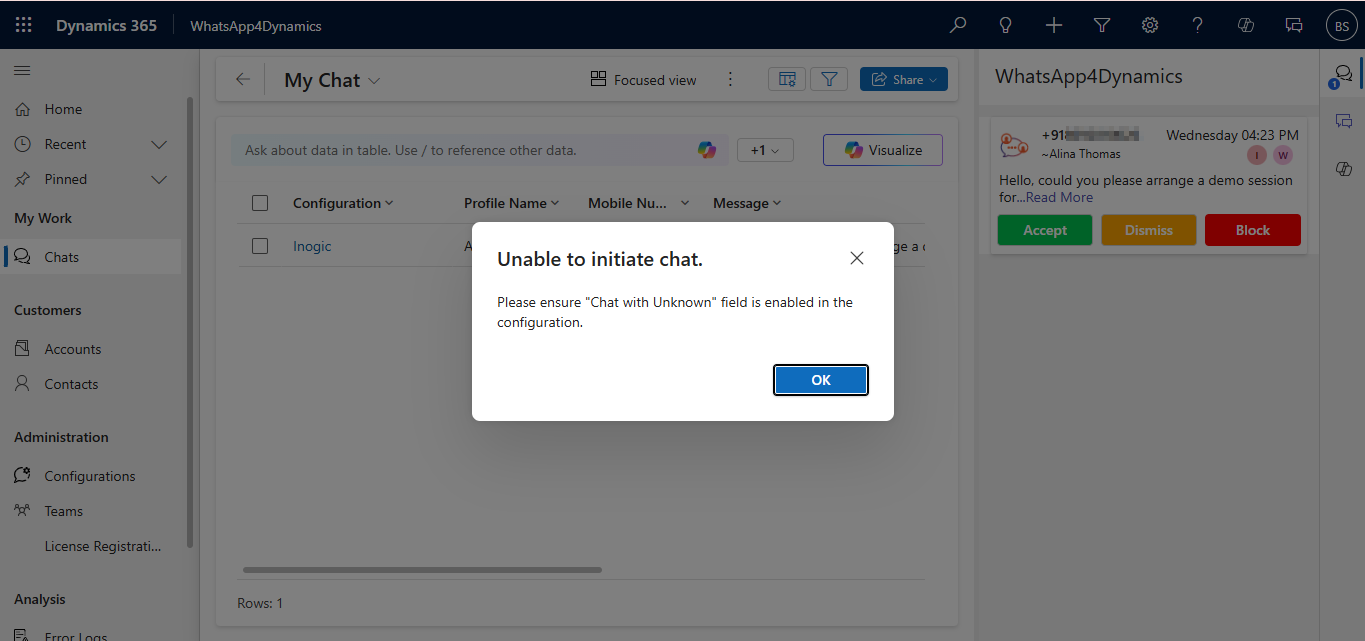
### **When Chat with Unknown is Disabled**
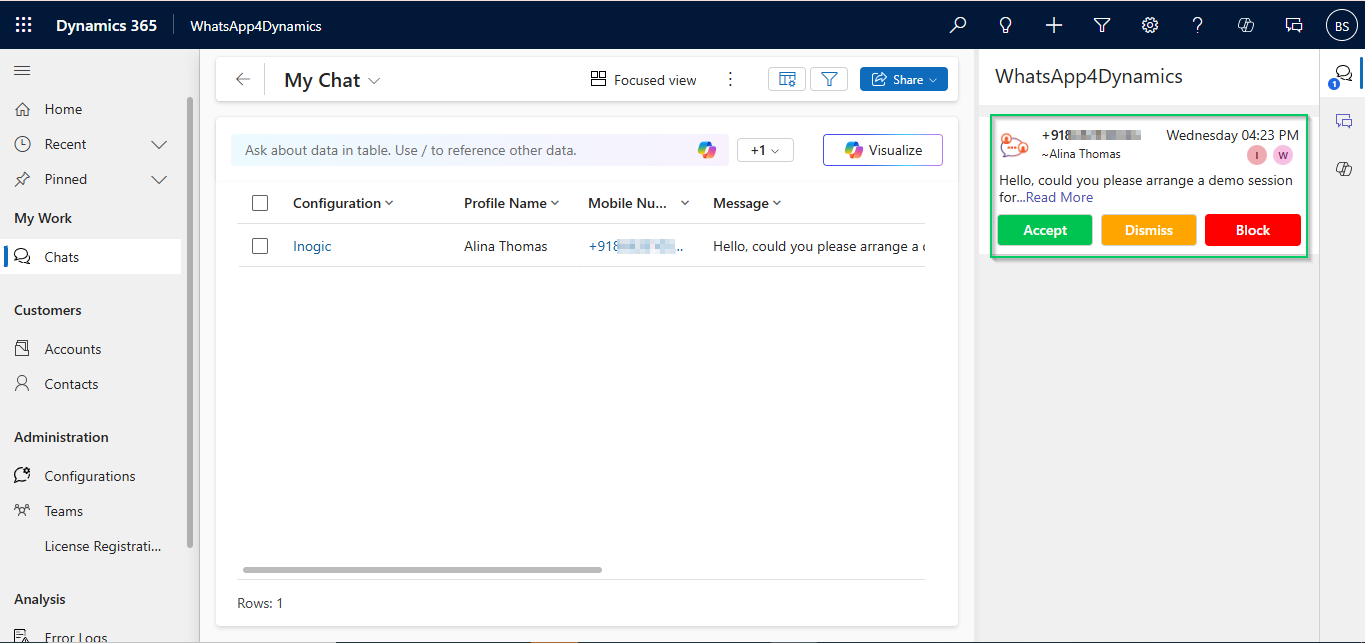
* Users can receive messages from unknown WhatsApp numbers.
* If a user clicks **Accept** when a new incoming message from an unknown number arrives, an **error message** appears on the chat UI.
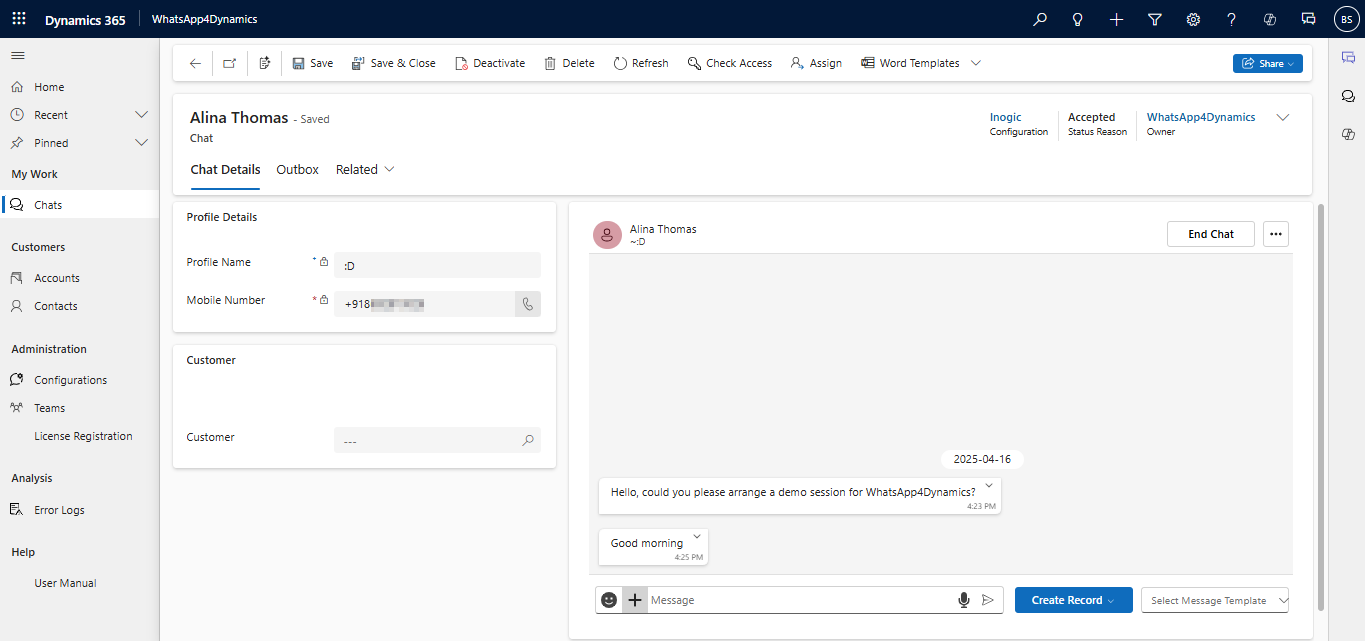
To chat, the user must save the number in Dynamics 365.
* After that, the chat box is enabled.
* The user can now reply and continue the conversation.
#### **When Chat with Unknown is Enabled**
* Users can **chat with anyone**, even if the number is not saved in CRM.
* The Chat UI is **always enabled**, and no error appears.
This ensures secure, CRM-based messaging within the WhatsApp4Dynamics app.