> For the complete documentation index, see [llms.txt](https://docs.inogic.com/llms.txt). Markdown versions of documentation pages are available by appending `.md` to page URLs; this page is available as [Markdown](https://docs.inogic.com/kanban-board/features/context-aware.md).
# Context Aware
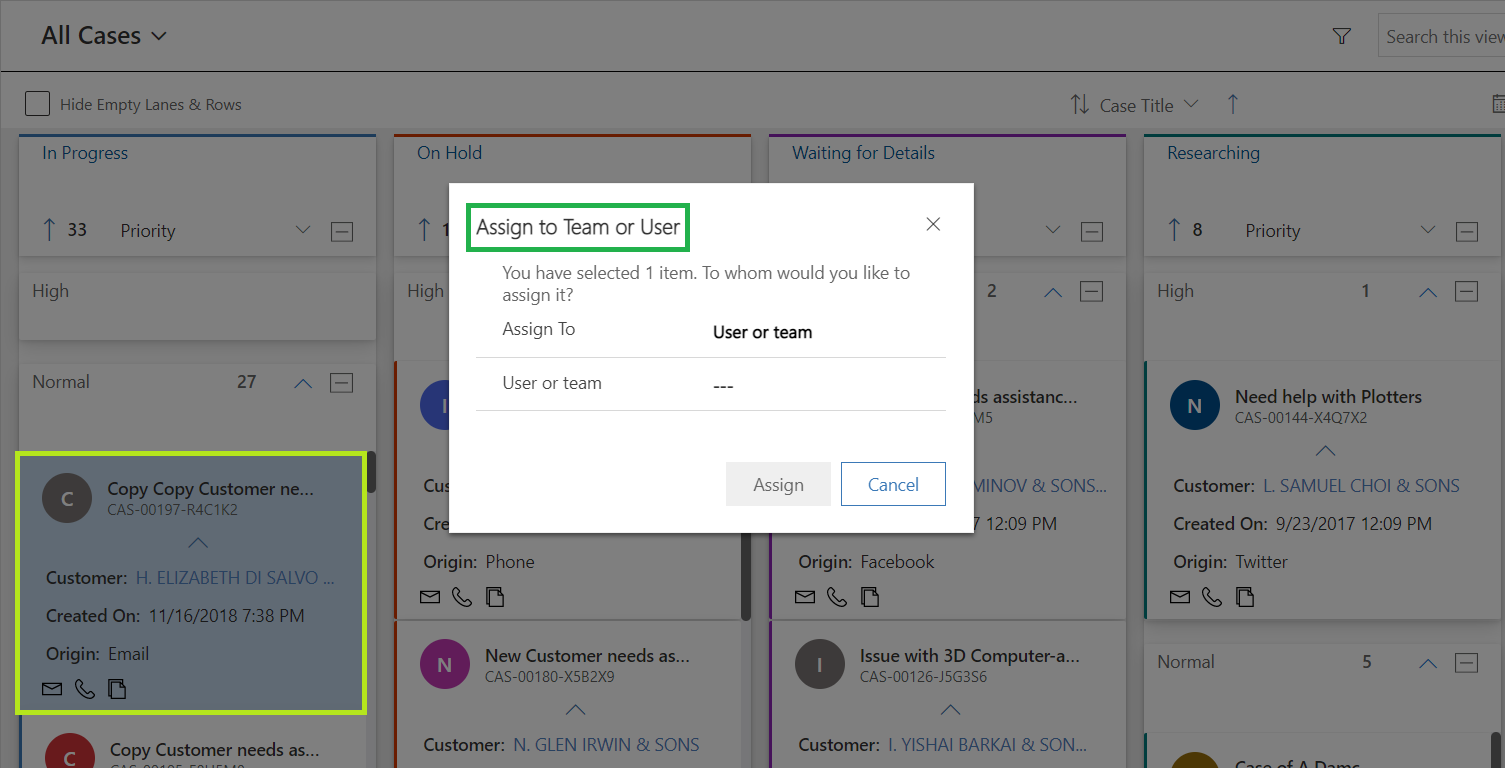
Works in context of the native CRM environment and responds to all native ribbon actions available for traditional views.
**Kanban Board has been created as a Dataverse (Power Apps) Component.** This means that you can use this control to replace the default visualization available for the views in CRM. The component is context-aware which means that you are allowed to perform any action from the ribbon bar by selecting the cards as you would in the traditional view upon selecting a record.
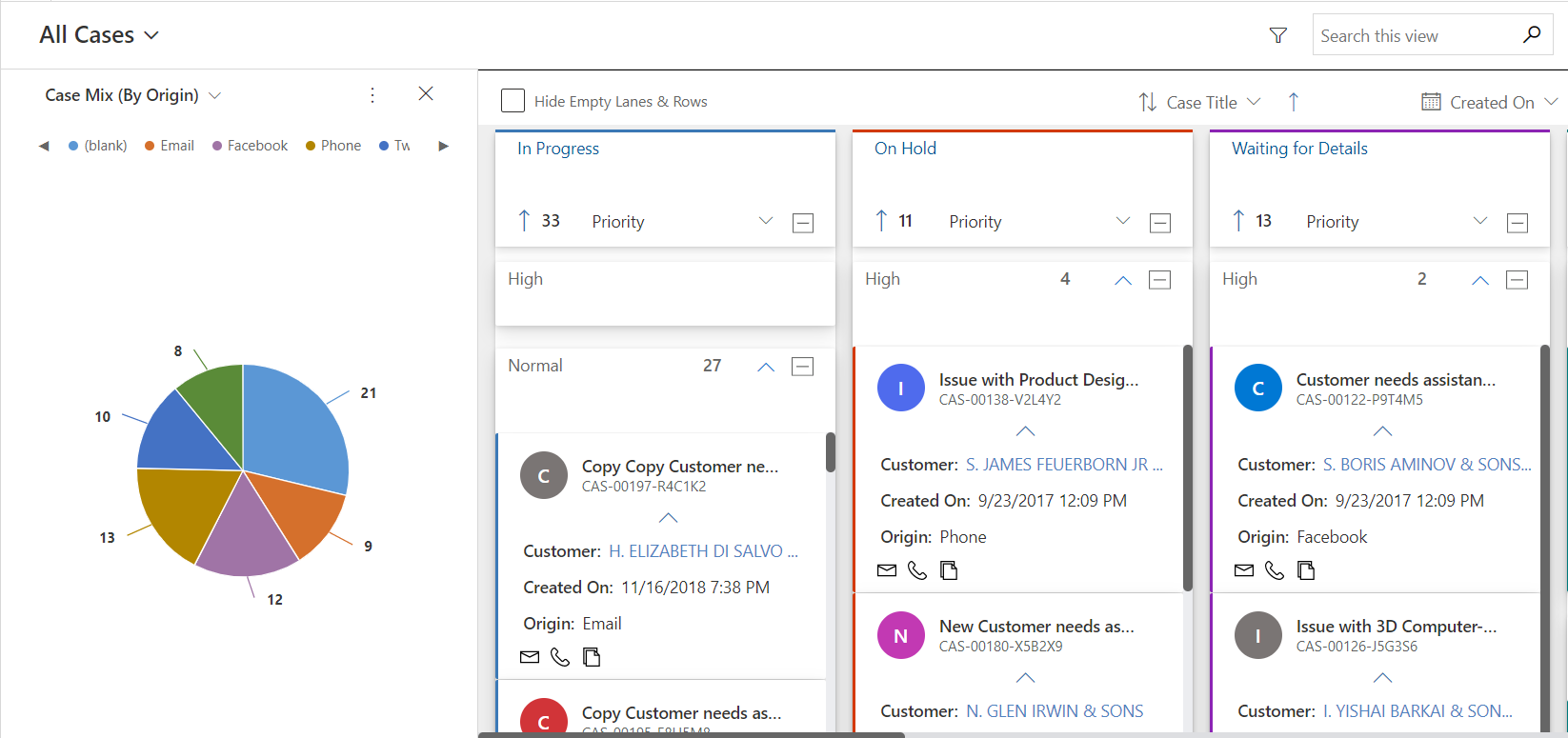
Apart from the ribbon it also responds to filtering options from Charts.
{% hint style="success" %}
For further queries, reach out to us at
{% endhint %}